 Mirco Cloud Primer
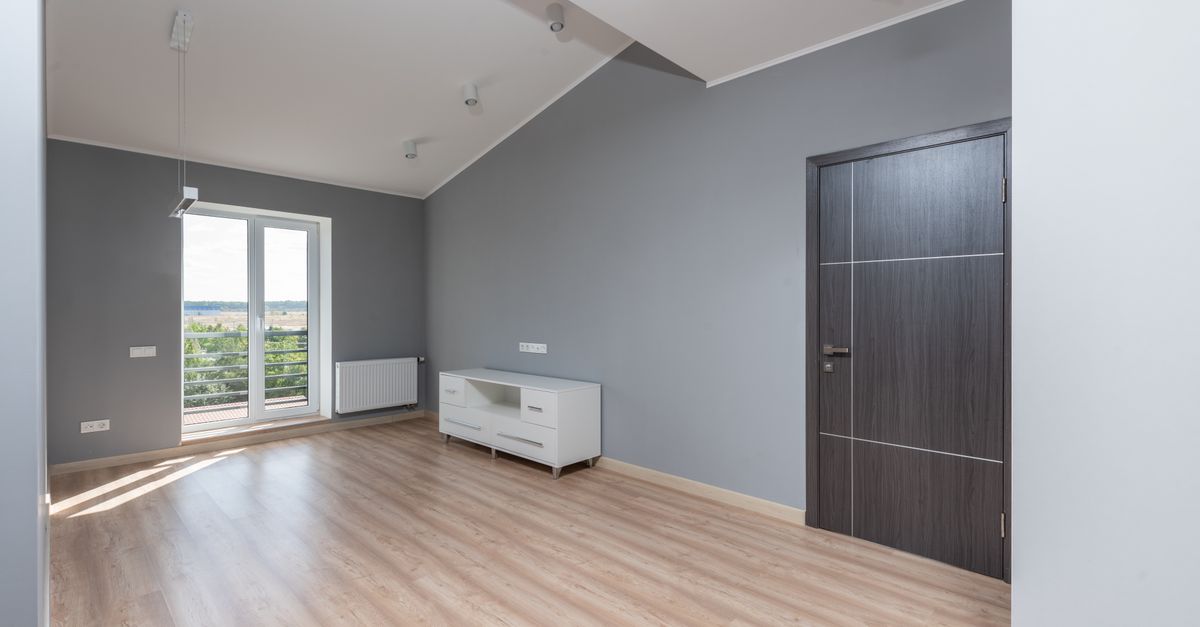
Photo by Max Vakhtbovych on Pexels
Imagine renting an empty apartment. The landlord hands you four walls, a working electrical system, plumbing, and a front door that locks. Everything after that — the furniture, the appliances, the paint on the walls — is up to you. That empty-apartment feeling is the closest everyday comparison to Infrastructure as a Service, usually shortened to IaaS, one of the three core service models you'll run into constantly in cloud computing.
This article breaks down what IaaS actually includes, what you're still responsible for, and how to recognize it when you see it, without assuming you already know any cloud jargon.
What "Infrastructure as a Service" Actually Means
Infrastructure, in computing, refers to the basic building blocks a piece of software needs to run: processing power, memory, storage space, and network connectivity. Normally, a company would buy physical servers, install them in a room with cooling and backup power, and maintain them for years. IaaS replaces that entire process with a rental. A cloud provider owns and maintains the physical hardware in its data centers, and you rent a slice of it — delivered to you as a virtual machine, a storage volume, or a virtual network — through a web dashboard or an automated request.
Nothing about the hardware itself is visible to you. You never see the physical machine, never touch a cable, and never schedule a repair technician. You simply request infrastructure, and it appears, ready to configure.
What You Get, and What You Still Have to Manage
IaaS sits at one end of a spectrum of cloud service models. The further you move along that spectrum, the more a provider manages on your behalf, and the less control — and responsibility — stays in your hands. IaaS keeps most of the control, and most of the day-to-day work, with you.
| Who handles it | Item |
|---|---|
| Provider | Physical servers, storage hardware, networking equipment, data center facilities, power, and cooling |
| Provider | The virtualization layer that splits physical machines into rentable units |
| You | Operating system installation, updates, and configuration |
| You | Runtime environments, libraries, and application software |
| You | Your own data, access controls, and backup strategy |
This division of labor is a specific case of the broader shared responsibility model that governs every layer of cloud computing: the provider secures the infrastructure itself, while you secure everything you choose to run on it.
A Simple Way to Picture It: The Empty Apartment
Back to the apartment. The landlord (your cloud provider) guarantees the structure is sound, the utilities work, and the building is secure. You decide everything else: which rooms become a bedroom, what furniture goes where, and how you decorate. If a lightbulb in your own lamp burns out, that's on you to replace — it isn't a building-wide problem. Similarly, with IaaS, if your own application has a bug or your operating system is missing a critical security update, fixing it is your job, not the provider's.
This is different from moving into a fully furnished short-term rental, which is closer to how Platform as a Service works, or checking into a hotel room with daily housekeeping, which is closer to Software as a Service. IaaS is the option for people who want to build and configure things their own way.
Where IaaS Fits Among the Service Models
The U.S. National Institute of Standards and Technology (NIST) formally defined IaaS, alongside PaaS and SaaS, as one of three standard cloud service models in its influential 2011 publication. Under that definition, IaaS gives the customer the ability to provision processing, storage, networks, and other fundamental computing resources, where the customer can deploy and run arbitrary software, including operating systems and applications, while not managing the underlying physical infrastructure.
In practice, this makes IaaS the most flexible but also the most hands-on option. It's well suited to situations where you need precise control — a particular operating system version, a custom network layout, or software that doesn't fit neatly into a managed platform.
Typical Things People Build on IaaS
- A virtual machine running a web server for a custom-built application
- A cluster of virtual machines set up to test software before it goes live
- Storage volumes holding large amounts of files, attached to virtual machines as needed
- A virtual network connecting several rented machines so they can communicate privately, similar in spirit to a virtual private cloud
Common Mistakes Beginners Make
- Assuming the provider patches your operating system. With IaaS, security updates for anything you install are your responsibility, not the provider's.
- Forgetting to turn off unused infrastructure. Because billing is usage-based, infrastructure left running after a project ends keeps accumulating cost and risk for no benefit.
- Skipping backups because "it's in the cloud." The provider protects the physical hardware, but your data loss protection is still something you need to set up yourself.
- Over-provisioning out of caution. Beginners often rent far more processing power or storage than they need, rather than starting small and adjusting.
- Confusing IaaS with a fully managed platform. If you want the provider to handle operating system updates and runtime management for you, you likely want PaaS instead.
Frequently asked questions
Is IaaS the same as renting a server?
It is similar, but IaaS usually gives you far more flexibility than a traditional rented server. You can resize, duplicate, or delete your infrastructure in minutes instead of waiting days for a provider to swap hardware.
Do I need to know how to code to use IaaS?
You don't need to write application code to set up basic infrastructure, but you do need some comfort with operating systems, networking, and command-line tools, since you're responsible for configuring and maintaining what runs on top of the infrastructure.
Is IaaS cheaper than owning physical servers?
It depends on your usage pattern and is not something this article compares in dollar terms. In general, IaaS trades upfront hardware costs for ongoing usage-based costs, which suits some situations better than others.
What's the difference between IaaS and PaaS?
With IaaS, you manage the operating system, runtime, and application yourself on top of rented infrastructure. With PaaS, the provider also manages the operating system and runtime, so you only focus on your application code.
Related reading
Sources
- NIST SP 800-145 — The NIST Definition of Cloud Computing
- Documentation published by major public cloud providers (consulted October 2026)