 Mirco Cloud Primer
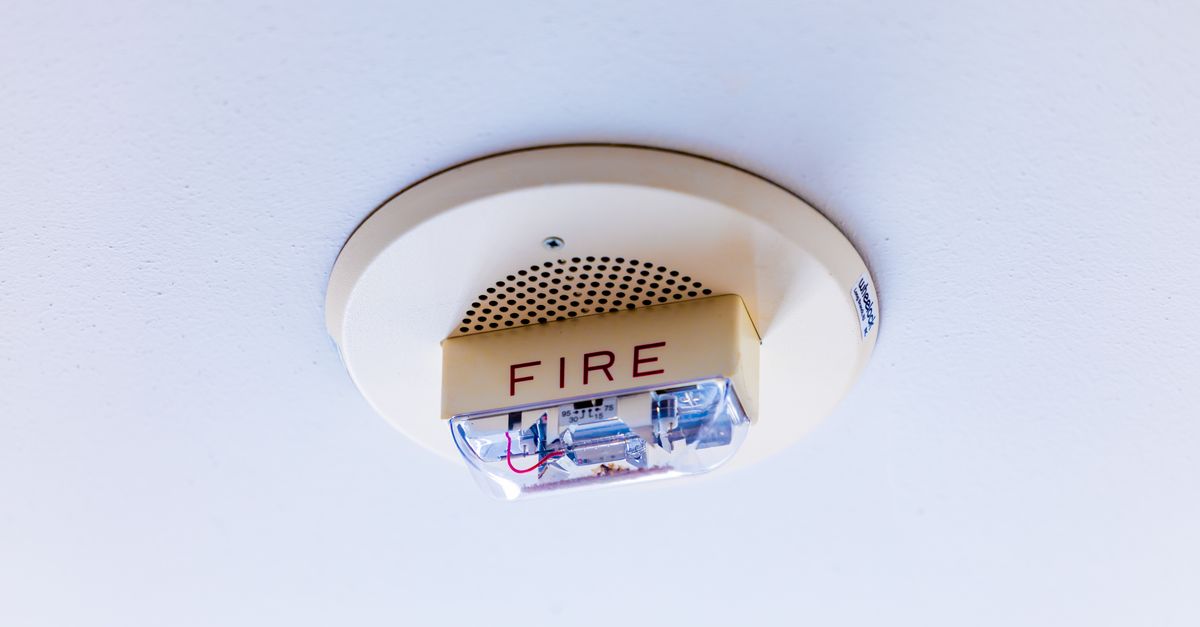
A smoke detector does not put out fires. What it does is notice a small amount of smoke early enough that someone can act before the situation becomes a fire at all, or before a small fire becomes an unmanageable one. Cloud monitoring plays exactly that role for applications and infrastructure: it watches for early warning signs — rising error rates, unusual traffic, a service that stopped responding — and alerts someone before a small issue turns into an outage that affects real users.
For beginners, monitoring can feel like an advanced, optional extra. In practice, even a very small project benefits from some basic monitoring, because the alternative is finding out about problems only when something has already broken visibly.
What monitoring actually watches
Monitoring tools track measurements over time: how much traffic a service is receiving, how long it takes to respond, how often requests fail, how much storage or memory is being used. On their own, these numbers are just data. Monitoring becomes useful when you set expectations around them — for example, deciding that an error rate above a certain level, or a response time that suddenly doubles, is worth a closer look.
Alerts versus dashboards
There are two common ways monitoring information reaches a person. A dashboard is a visual summary you can check whenever you want, similar to glancing at a thermostat. An alert is something the system pushes out to you automatically — a notification, an email, a message — when a specific condition is met, similar to the smoke detector's alarm actually going off. Beginners often start by watching dashboards, but the real value of monitoring comes from well-configured alerts, because they do not require anyone to be actively watching at the right moment.
Audit logs: a different kind of record
Closely related to monitoring is the idea of an audit log, a running record of actions taken within a system: who logged in, what settings were changed, which resources were created or deleted, and when. An audit log does not alert you to anything by itself — its value shows up afterward, when you need to understand exactly what happened and in what order, whether to investigate a problem or simply to confirm nothing unexpected occurred. Audit logs work hand in hand with the access controls described in our Identity and Access Management guide, since they record what each identity actually did with its permissions.
Monitoring and the shared responsibility model
Cloud providers monitor their own infrastructure closely, but that monitoring is about keeping the underlying platform running — it does not automatically watch your specific application for your specific problems. Setting up monitoring for your own services and data is part of your side of the shared responsibility model, much like a smoke detector only helps the room it is actually installed in.
A simple comparison
| Tool | Answers the question... |
|---|---|
| Dashboard | "How are things doing right now, if I look?" |
| Alert | "Is something wrong enough that I should be told immediately?" |
| Audit log | "What exactly happened, and who did it?" |
Common mistakes beginners make
- Setting up monitoring but no alerts. A dashboard nobody is watching catches problems no faster than having no monitoring at all.
- Configuring alerts for everything. Too many alerts leads to important ones being ignored along with the noise — a problem sometimes called alert fatigue.
- Ignoring audit logs until something goes wrong. By the time they are needed, it is often too late to start collecting them.
- Assuming the provider is already watching your application. Providers monitor their own infrastructure, not the specific behavior of the things you build on top of it.
Getting started sensibly
Beginners do not need an elaborate monitoring setup on day one. A small number of alerts tied to the handful of things that would actually matter — the service being completely unreachable, errors spiking sharply, storage filling up — covers most of the value with very little ongoing effort.
Monitoring as an early-warning habit, not a one-time project
It is tempting to treat monitoring as something you configure once and then forget about, but the things worth watching tend to change as a project grows. A service that barely had any traffic a few months ago might now be worth watching for performance under load; a storage location that once had plenty of room might now be worth an alert as it fills up. Revisiting what is being monitored every so often, alongside revisiting who has access through identity and access management, keeps the whole system honest as circumstances change rather than reflecting assumptions that quietly became outdated.
Frequently asked questions
Is monitoring the same as having backups?
No. Monitoring is about noticing that something is wrong, often as it happens. Backups are about being able to recover afterward. They solve different problems and work best together.
Do I need to watch dashboards constantly?
No. The point of monitoring is that alerts come to you when something crosses a meaningful threshold, rather than requiring you to stare at charts all day.
What is an audit log?
An audit log is a running record of actions taken within a system — who did what, and when. It is useful for understanding what happened after the fact, not just for catching problems in real time.
Can monitoring prevent every problem?
No. Monitoring tells you a problem is happening or about to happen; it does not fix the problem by itself. It shortens the time between something going wrong and someone finding out.
Related reading
Sources
- NIST SP 800-53 Rev. 5 — Security and Privacy Controls for Information Systems and Organizations
- Documentation published by major public cloud providers (consulted October 2026)